


During a project for a Czech legal consultancy, we changed exactly one thing on their homepage: the body typeface. We swapped a narrow geometric sans-serif for a humanist one with slightly wider proportions and more open counters. Within the first month, average time on page climbed and bounce rates dropped. No layout changes, no new content, no restructured navigation. Just a different font. Typography is regularly treated as cosmetic, but it fundamentally shapes how people experience a page.
Fonts shape perception before reading begins
Type carries meaning before a single word is processed. Garamond suggests tradition and authority. Nunito feels approachable. JetBrains Mono signals technical precision. These associations are ingrained through decades of print and digital design — you cannot opt out of them, but you can work with them deliberately.
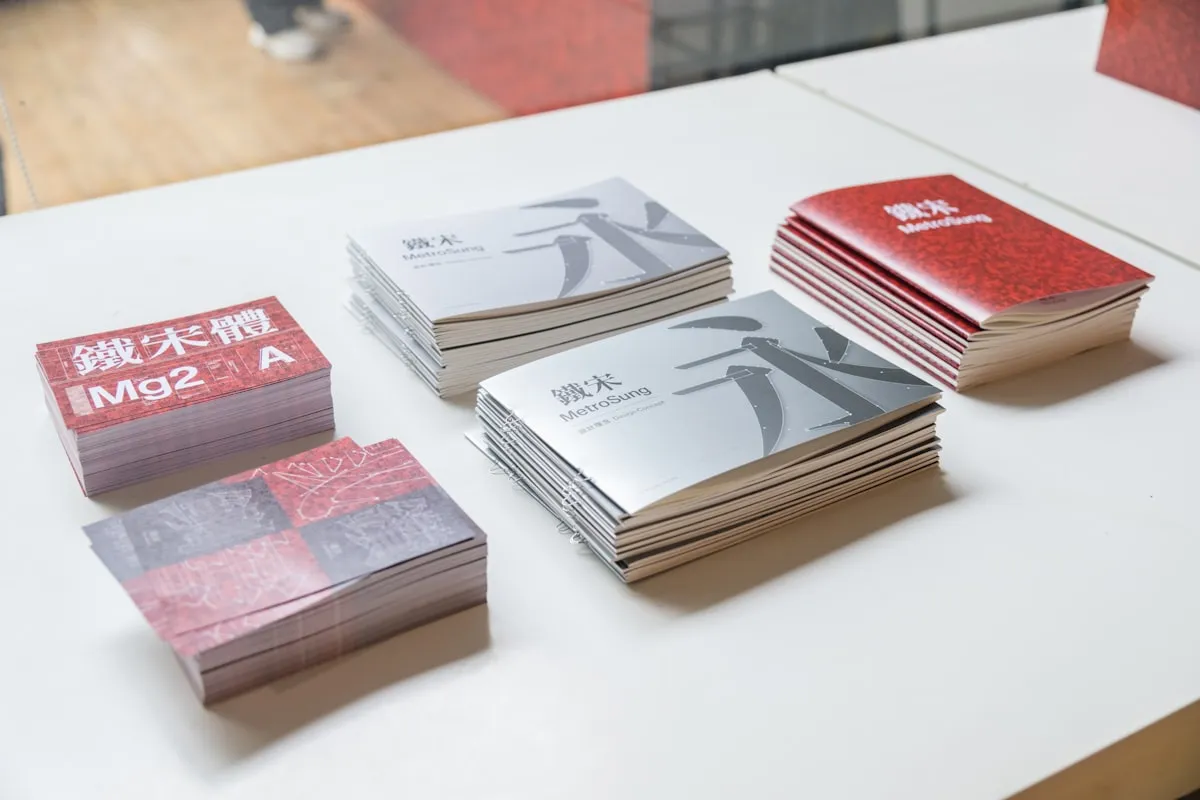
Choosing the wrong typeface creates a quiet dissonance. We audited a wellness brand’s website that used an angular, industrial sans-serif — the kind you would expect on a construction company’s site. The content spoke of calm and self-care; the typography argued against every word. Fixing the typeface was one of the simplest changes in that redesign, and one of the most effective.
Readability is a system, not a single setting
Readability depends on how type is set, not just which font is chosen. Line length, line height, and letter spacing work together. The widely cited ideal for body text is 50–75 characters per line, which translates to roughly 600–700 pixels of text width at standard body sizes on desktop screens.
Line height (or leading) should generally sit between 1.4 and 1.6 for body text, though the optimal value depends on the typeface's x-height and overall proportions. Fonts with tall x-heights, such as Inter or Source Sans Pro, can work well at 1.5 line height. Fonts with shorter x-heights, like Caslon or Baskerville, may need 1.6 or more to feel open and readable.
Contrast between text and background also plays a critical role. WCAG 2.1 requires a minimum contrast ratio of 4.5:1 for normal text, but we aim higher - typically 7:1 or above - because meeting the minimum standard does not always equate to comfortable reading, especially on mobile screens viewed in variable lighting conditions.
Font size: bigger than you think
12-pixel body text is long gone. Modern best practices place body text at 16–18 pixels as a baseline, with many content-heavy sites pushing to 20 pixels. Larger body text improves readability on high-resolution displays and reduces the need for users to zoom.
We use a modular type scale to establish consistent sizing across headings, subheadings, body text, and captions. A ratio of 1.25 (major third) works well for most web projects, producing a hierarchy that feels balanced without dramatic jumps between sizes. For a site where headings need more visual impact, we might use a 1.333 (perfect fourth) or even 1.5 (perfect fifth) ratio.
Responsive type sizing is essential. We use CSS clamp() to create fluid typography that scales smoothly between breakpoints. For instance, font-size: clamp(1rem, 0.5rem + 1.5vw, 1.25rem) ensures body text remains proportional across screen sizes without abrupt shifts at specific breakpoints.
Font pairing: contrast with restraint
Pairing typefaces well means finding contrast without friction — two fonts distinct enough to create hierarchy but similar enough in structure to feel like a system. A classic approach pairs a serif heading font with a sans-serif body font, or vice versa.

Two typefaces per project is our default. Three is the absolute maximum, and only when there is a genuine functional reason — a monospaced font for code blocks alongside a serif/sans-serif editorial pair, for instance. Each additional font adds cognitive load for the reader and more bytes for the browser to download.
When selecting pairs, we look at shared characteristics: similar x-heights, compatible stroke widths, and proportional letter widths. Fonts designed by the same foundry or type designer often pair well because they share underlying design principles. Playfair Display and Source Sans Pro, for example, have complementary proportions that create elegant contrast without visual tension.
Typography and conversion rates
The connection between type and conversion is real because typography affects comprehension and trust. When users can read content easily and the visual tone matches the brand's promise, they are more likely to take action. This applies to everything from call-to-action buttons to product descriptions to pricing tables.
For a SaaS client in the project management space, we tested two versions of their pricing page. The only difference was the typeface used for plan names and feature lists - one version used a neutral geometric sans-serif, the other used a slightly warmer humanist sans-serif with better readability at small sizes. The humanist variant performed better on plan selection because users could parse the feature comparisons more quickly and confidently.
Test it, do not assume it
Typography decisions should be validated. We run readability tests with real users during the prototyping phase, asking them to read passages and answer comprehension questions. We also track engagement metrics after launch - time on page, scroll depth, and conversion rates - to measure whether typographic changes produce measurable outcomes.

A/B testing typefaces in production requires careful implementation. Font loading behavior affects perceived performance, and different fonts can shift layout in ways that confound test results. We use the CSS Font Loading API to ensure consistent rendering across variants and control for cumulative layout shift.
At Kosmoweb, typography is never an afterthought. It is one of the first decisions we make in any project because it shapes every subsequent design choice - spacing, layout, color, and hierarchy all flow from the type system. Getting it right early saves time and produces better results throughout the entire design process.